 HushScribe
Live captions you can keep.
Captions for anything playing on your PC (Zoom, Teams, YouTube, online lectures) or your microphone. Every session is saved, searchable and exportable. All on your own computer.
- One-time purchase
- No account
- No minute limits
- Windows 10 & 11
Why HushScribe
Windows Live Captions forget everything.
HushScribe doesn't.
The captions built into Windows vanish the moment you close them. Cloud transcription tools upload your audio and charge monthly. HushScribe gives you the best of both, privately.
Typical options
- Captions disappear when you close them
- Audio uploaded to someone else's servers
- Monthly subscriptions and "minutes remaining"
- Account and sign-in required
- Stops working without internet
HushScribe
- Every session saved with a searchable history
- Speech recognition runs on your PC
- Pay once, use it as much as you like
- No account, no sign-in, no tracking
- Works with Wi-Fi switched off
Features
Everything you need to never miss a word
Built on the open-source Whisper speech model, running locally on your computer.
Live captions
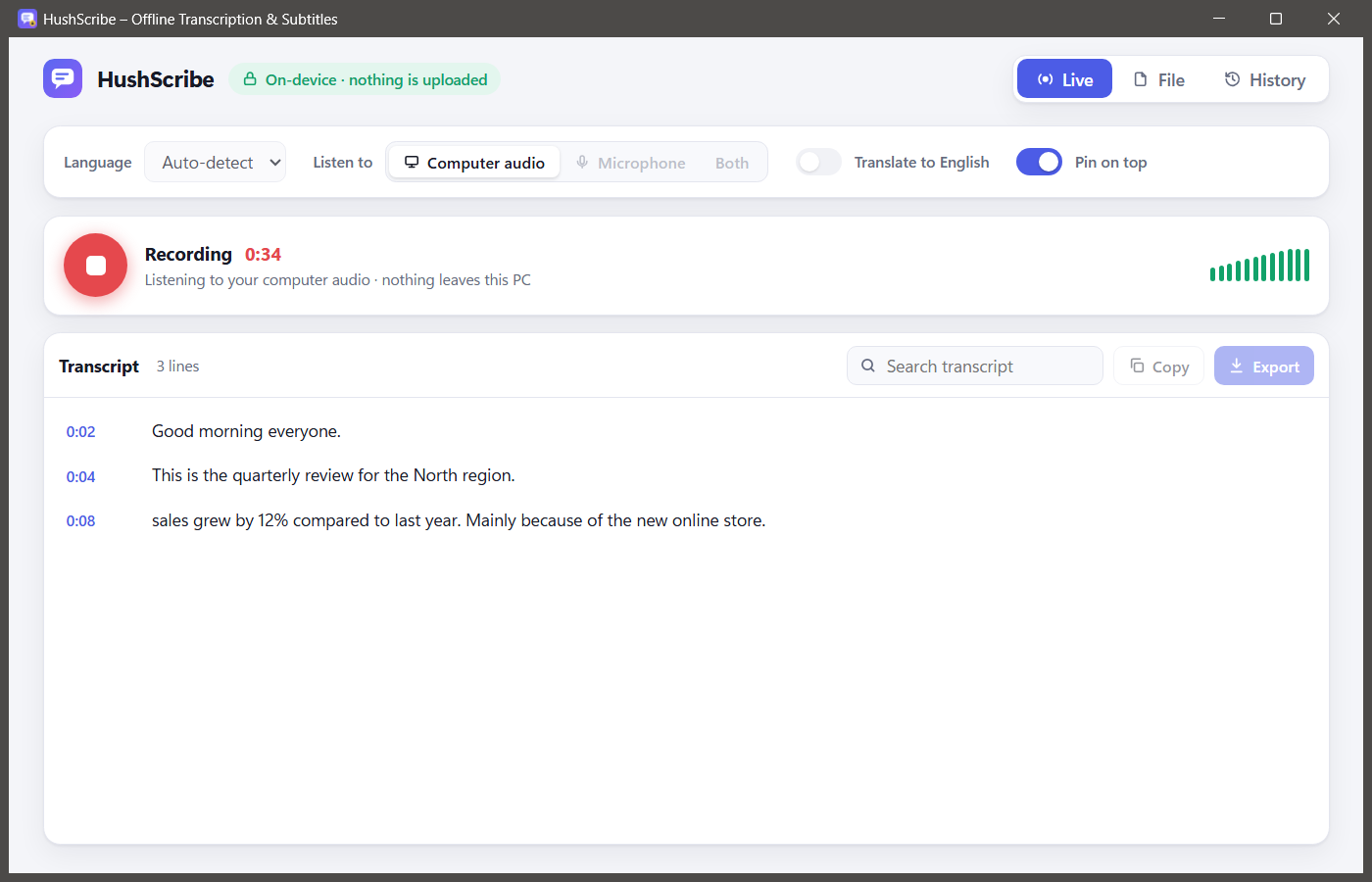
From your computer audio, your microphone, or both. Text appears about a second after someone finishes speaking.
Saved automatically
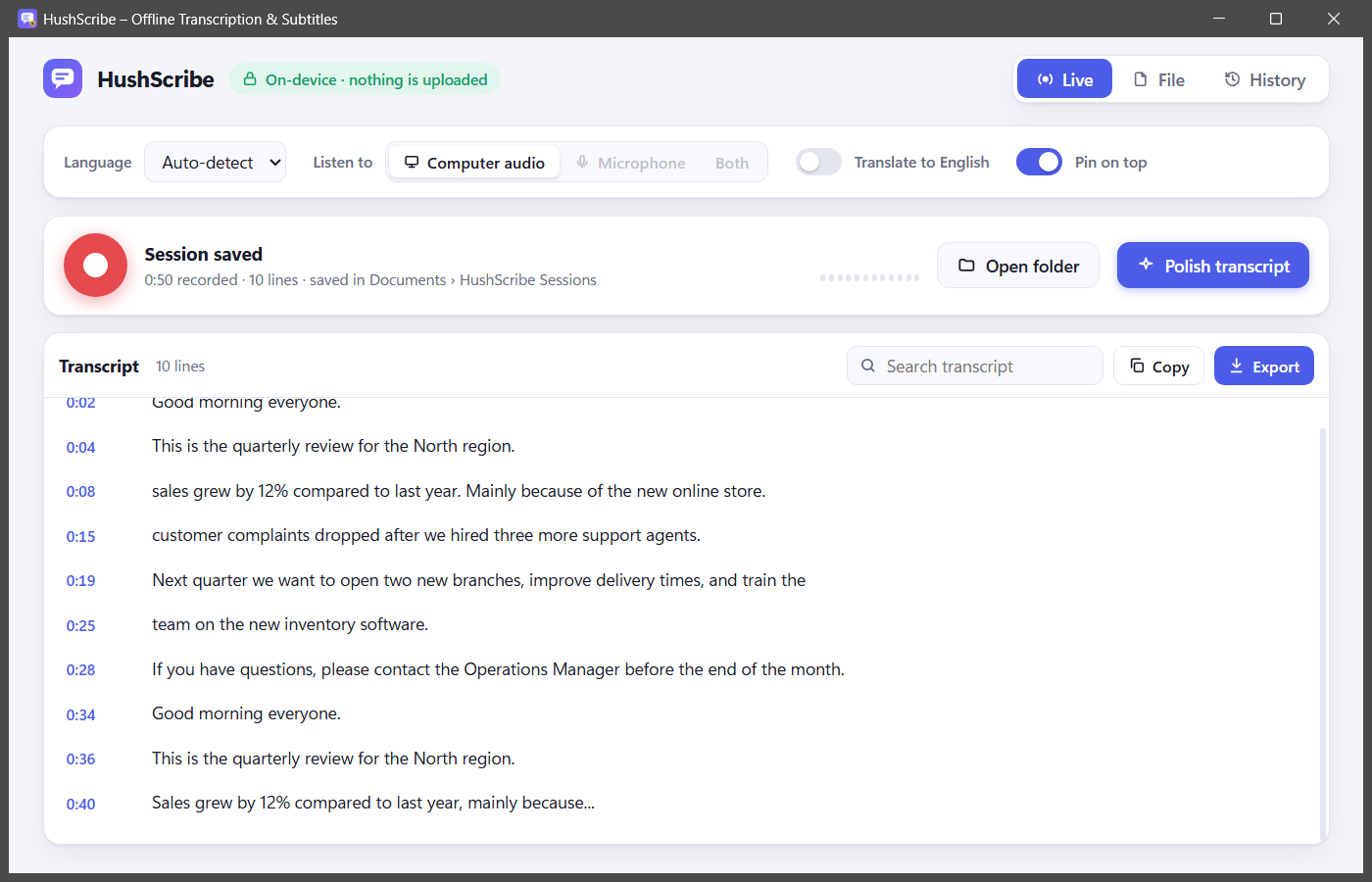
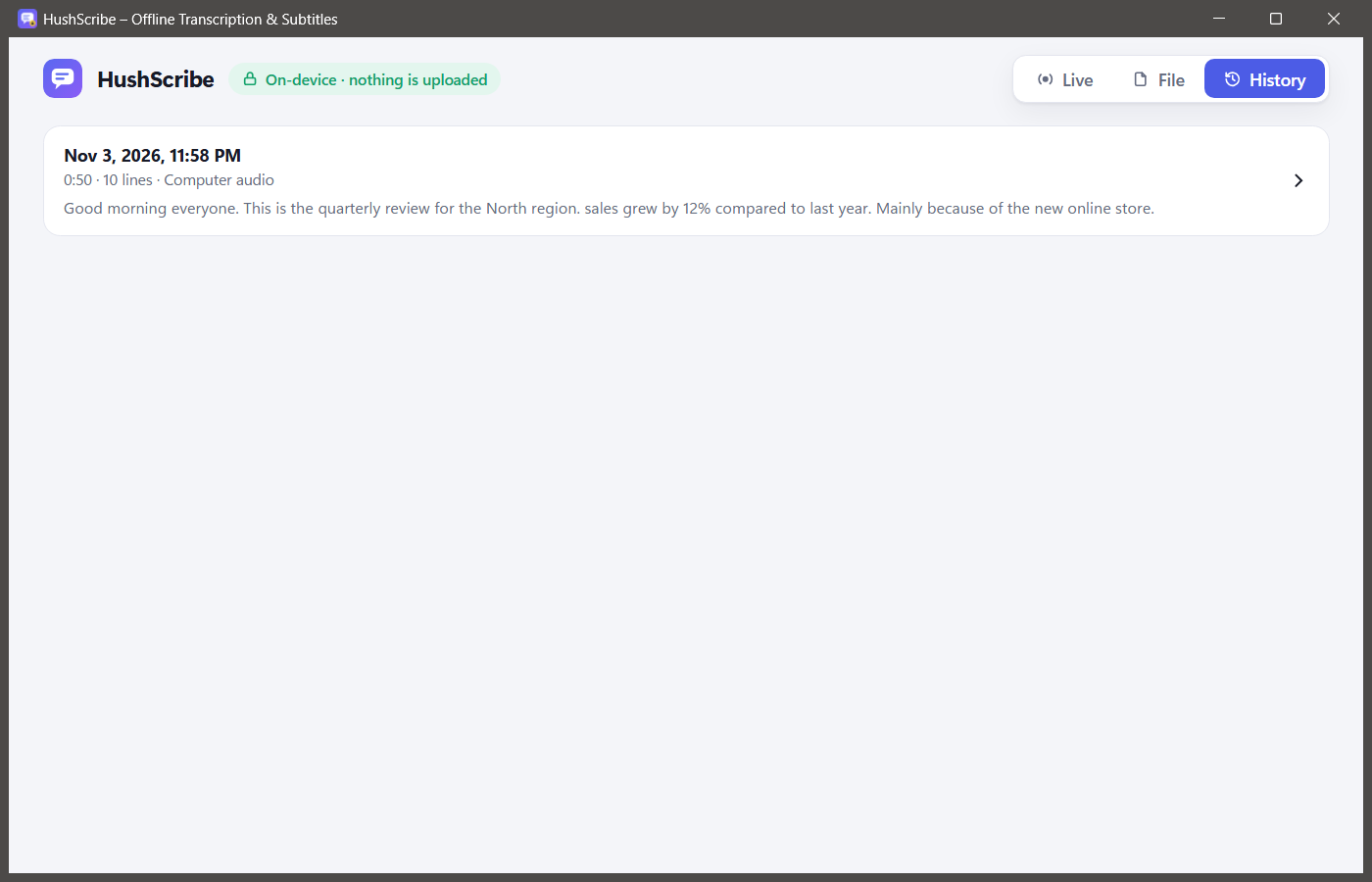
Every session is kept (audio and transcript) in a History you can search, so you can check exactly what was said.
Pin on top
Float captions over your meeting, lecture or video so they're always in view.
Transcribe files
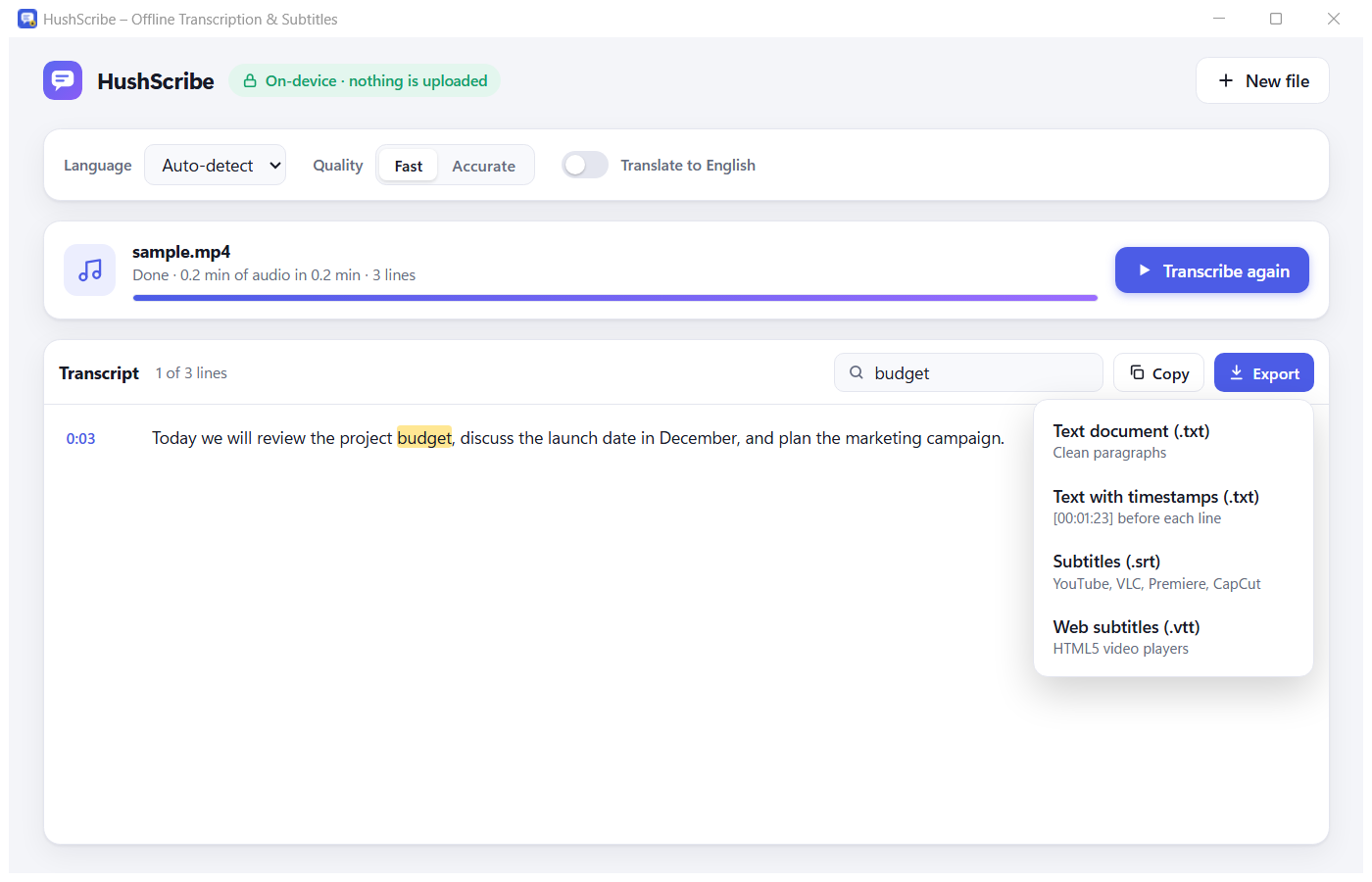
Drop in MP3, WAV, M4A, MP4, MKV, MOV and more. Get notes or subtitles in minutes.
Export anywhere
Save as TXT (with or without timestamps), or as SRT and VTT subtitles for video.
16 languages
English, Spanish, Portuguese, German, French, Japanese, Chinese and more, plus translation to English.
Accurate mode
Re-transcribe a session with the large-v3-turbo model for a cleaner final transcript, even with strong accents.
Instant search
Find any word in any transcript and jump straight to the moment it was said.
Light & dark
A calm, simple interface that follows your Windows theme.
Who it's for
Made for people who need every word
Students
Caption online lectures and keep a searchable transcript to study from.
Meetings
Follow fast speakers on Zoom and Teams, and check what was agreed afterwards.
Deaf & hard of hearing
Captions for any app or video, even ones without subtitles.
Creators
Turn your videos and podcasts into SRT/VTT subtitles without uploading them.
See it
Simple, calm and fast
How it works
Captions in three clicks
Choose what to listen to
Computer audio, microphone, or both. Pick a language or leave it on auto-detect.
Press record
Captions appear live. Pin them on top of your meeting or video if you like.
Keep it
Stop, and the session is saved. Search it, polish it, or export it whenever you need.
Privacy
Your audio never leaves your computer
HushScribe doesn't connect to the internet at all. The AI models are included in the app, so there's nothing to upload and nobody to trust but yourself.
- 🔒On-device speech recognitionWhisper runs locally on your PC.
- 👤No account, no trackingNo sign-in, analytics, ads or cookies in the app.
- 📁Your files, your folderSessions are saved in Documents\HushScribe Sessions. Delete them any time.
FAQ
Questions
Can I save live captions after a call ends?
Yes. Every live session is saved automatically when you stop it: the audio and the full transcript. Find it later in History, search it, and export it as TXT, SRT or VTT.
Does it really work offline?
Yes. The speech models are installed with the app, so it works with Wi-Fi switched off and never sends audio anywhere.
Is it a subscription?
No. You pay once and use it as much as you want. There are no minute limits.
Which apps does it work with?
Anything that plays sound on your PC: Zoom, Teams, Google Meet in the browser, YouTube, online courses, media players and more. It can also caption your microphone.
What languages are supported?
16 languages: English, Spanish, Portuguese, Italian, German, Russian, Japanese, Polish, French, Turkish, Indonesian, Dutch, Korean, Chinese and Vietnamese, plus auto-detect. It can also translate speech into English. Accuracy is best for English and major European languages.
What do I need to run it?
Windows 10 (1809 or later) or Windows 11, 64-bit, and about 1.3 GB of free space. 8 GB of RAM is recommended for Accurate mode. It runs on your CPU; no graphics card is needed.
Microsoft Store or itch.io: which should I choose?
The Microsoft Store version is signed and updates automatically, so we recommend it for most people. The itch.io version is a regular installer; because we're a small independent developer, Windows may show a "Windows protected your PC" notice the first time (click More info → Run anyway).
Does it tell speakers apart?
Not yet. Speaker labels are on the roadmap. Today you get a clean, timestamped transcript of everything said.
Is it OK to record meetings?
HushScribe keeps everything on your PC, but please follow the laws and the rules of your school or workplace about recording and consent.
How do I get help?
Leave a comment on our itch.io page or use the support contact on the Microsoft Store listing. We read everything.
Never miss a word again
Offline live captions you can save, search and export. Pay once, keep it forever.